
Bulk Sending Forms
Overview
The Bulk Send feature allows you to send the same form or packet to multiple clients at the same time.
Important: Mass Send currently works with email only and does not support SMS. You must also have your own email domain configured in Zentake before using Bulk Send.
How to Bulk Send a Form or Packet
1. Go to the Clients tab
From the Zentake dashboard, select Clients.
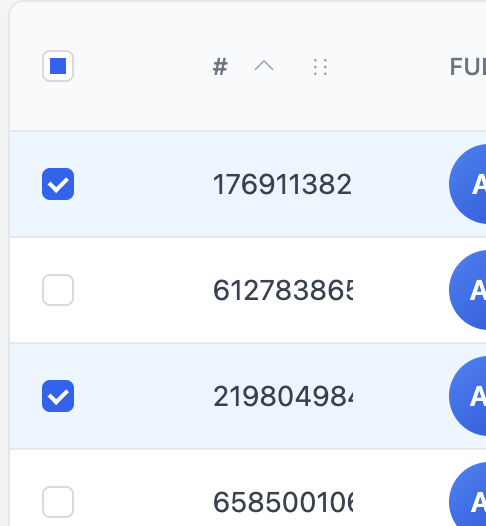
2. Select your patients
Check the box next to each client you want to send the form to.
You can use the Filters to quickly find the patients you need. Patients can be filtered by:
- Name
- Date of Birth
- Tags
- And other available client information
3. Click Send
Once you have selected your clients, choose Send.

4. Select the form/packet
Choose the form you want to send to the selected clients.
5. Review and send
Review the selected clients and form, then click Send.
The form will be sent to all selected clients at the same time.